Autodesk Certified Professional
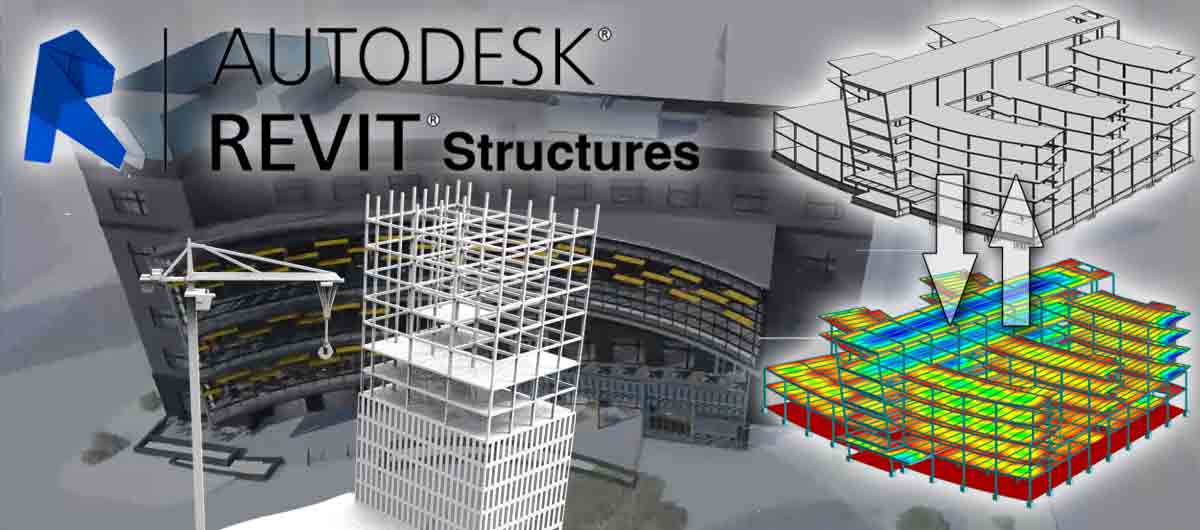
Revit for Structural Design – Exam Preparation Bootcamp
🏗️ Prepare yourself for international accreditation in structural modeling using Autodesk Revit.
Are you a Structural Engineer or a BIM Modeler seeking a professional certification accredited by Autodesk? This intensive bootcamp is specifically designed to qualify you to pass the Autodesk Certified Professional: Revit for Structural Design exam with high confidence and efficiency through direct practical training and realistic exam simulations.
🎯 Course Objectives
By the end of this training program, the trainee will be able to:
-
Build professional structural models using Revit.
-
Manage structural projects according to BIM methodology.
-
Correctly set up Coordinates and Worksharing.
-
Create structural elements (Columns, Beams, Slabs, Foundations).
-
Prepare shop drawings (Sheets & Documentation).
-
Analyze models and ensure quality and coordination.
-
Successfully pass the Autodesk Certified Professional exam.
🧠 Target Audience
-
Structural Engineers
-
BIM Modelers & BIM Coordinators
-
Recent Civil Engineering graduates
-
Individuals interested in obtaining global Autodesk certification
-
Professionals in the field of structural design using Revit
📅 Course Details
-
⏳ Duration: 5 days of intensive training
-
🕓 Hours: 4 hours per day
-
🧪 Training Method: Practical + Exam Simulation + Direct Application
-
🎓 Focus: Passing the Autodesk Certified Professional Exam
📚 Training Modules
🟦 Day 1: Project Setup & BIM Environment
-
Setting up a structural project from scratch.
-
Adjusting Levels & Grids.
-
Linking CAD files and managing coordinates.
-
Worksharing & Central Models.
-
Setting up a professional workspace.
🟩 Day 2: Core Structural Modeling
-
Structural Columns (Concrete & Steel).
-
Beams and Beam Systems.
-
Slabs and Foundations.
-
Isolated and continuous footings.
-
Creating an integrated structural model.
🟨 Day 3: Advanced Modeling & Analysis
-
Structural connections.
-
Precast Systems and elements.
-
Assemblies and composite systems.
-
Introduction to the Analytical Model.
-
Model review and auditing.
🟧 Day 4: Documentation & Engineering Output
-
Creating Views (Plans, Sections, Elevations).
-
Professional Sheet setup.
-
Annotation & Tagging.
-
Preparing Schedules & Quantity Takeoffs.
-
Organizing project sheets.
🟥 Day 5: Exam Simulation & Final Assessment
-
Comprehensive model review.
-
Solving design and coordination issues.
-
Realistic exam simulation test.
-
Training on time management during the exam.
-
Exam-taking tips from BIM experts.
🏆 Course Features
-
100% practical hands-on training.
-
Content strictly aligned with official Autodesk exam objectives.
-
Real-world applications on structural projects.
-
Full simulation of the exam format.
-
Professional qualification for the BIM job market.
-
Increasing speed and accuracy within Revit.
🎓 What You Will Gain
-
A Certificate of Completion from the institute.
-
Full readiness to sit for the Autodesk Certified Professional exam.
-
Professional skills in structural project modeling.
-
Deep understanding of BIM applications in real projects.
📌 Why is this course different?
This is not a traditional Revit tutorial; it is an intensive Bootcamp specifically engineered for success in the actual exam, with a focus on:
-
Practical Application
-
Exam Format & Strategy
-
Time Management
-
Solving Tasks directly within Revit
🚀 Start your journey toward professional accreditation now! Register today and take the first step toward becoming an Autodesk Certified Professional – Revit Structure Specialist.