Main Course Modules:
1. Introduction to the Maximo System
– What is Maximo and its role in operations and maintenance management
– Benefits of using the system to improve operational processes
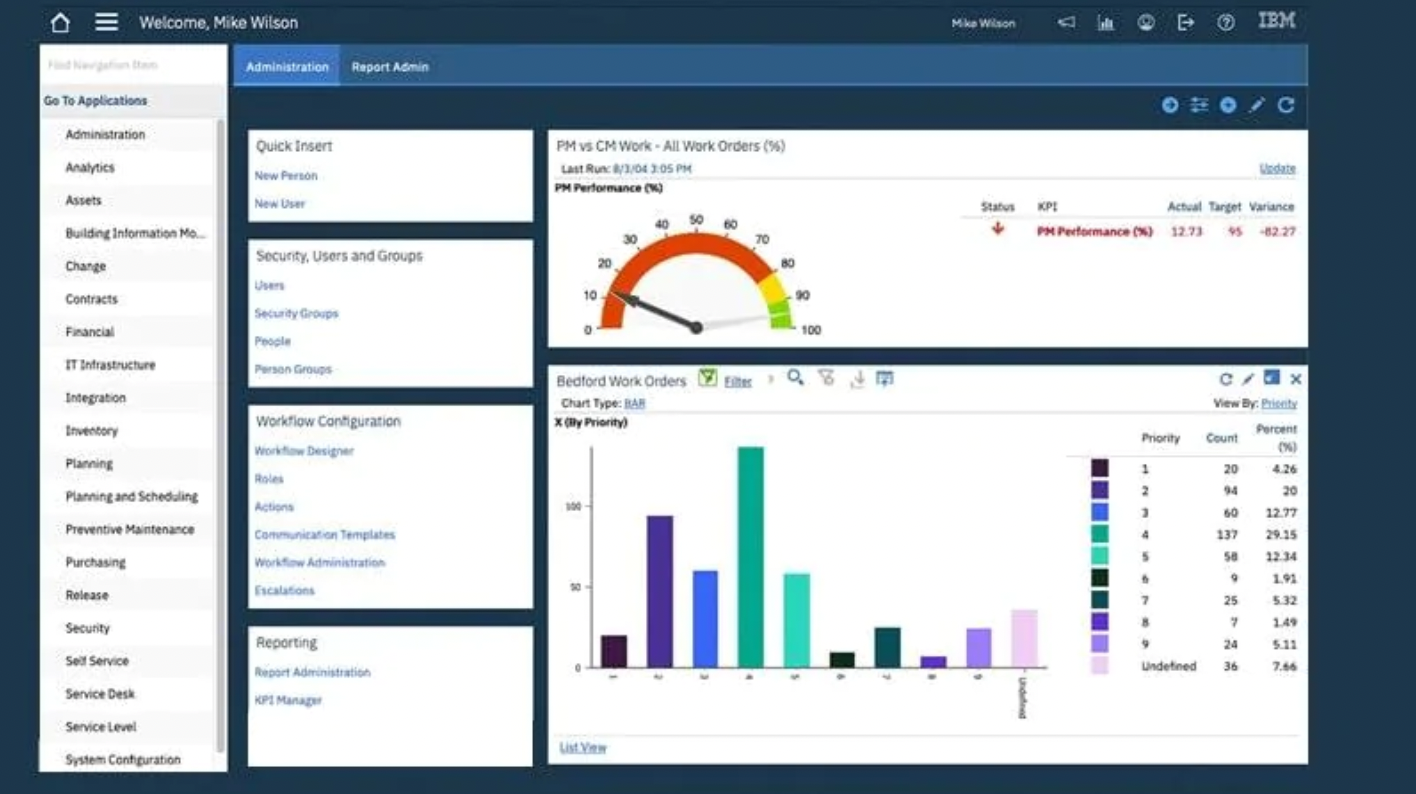
– Familiarization with the user interface and basic navigation
2. Operational Equipment Management
– Registering and classifying equipment and assets
– Linking equipment to locations and operational systems
– Updating equipment data and maintenance history
3. Fault Report and Work Order Management
– Receiving and logging fault reports
– Converting fault reports into work orders
– Tracking, executing, and closing work orders
4. Preventive Maintenance and Planning
– Creating preventive maintenance plans and schedules
– Scheduling routine maintenance activities
– Utilizing predefined job plans (Job Plans)
5. Resource and Materials Management
– Planning and assigning maintenance teams
– Requesting and issuing materials and spare parts
– Managing essential operational inventory
6. Reporting and Monitoring
– Generating work order and equipment reports
– Key performance indicators (KPIs) for operations and maintenance
– Tracking maintenance costs and completion progress